Configuring Scheduling Policies via Web GUI

Gthulhu provides a Web GUI that allows users to conveniently configure scheduling policies.
Scheduling a host process or standalone vLLM?
This page describes the Kubernetes-oriented scheduling policy flow. If the workload runs directly on a node, in Docker, or outside Kubernetes, use Node-Level Scheduling Policies instead.
Note If you have deployed Gthulhu on a Kubernetes cluster, please first use the
kubectl port-forward svc/gthulhu-manager 8080:8080command to forward the local port 8080 to the Gthulhu Manager service, then visithttp://localhost:8080in your browser to access the Web GUI.
If everything goes well, you should see the following Web GUI interface:
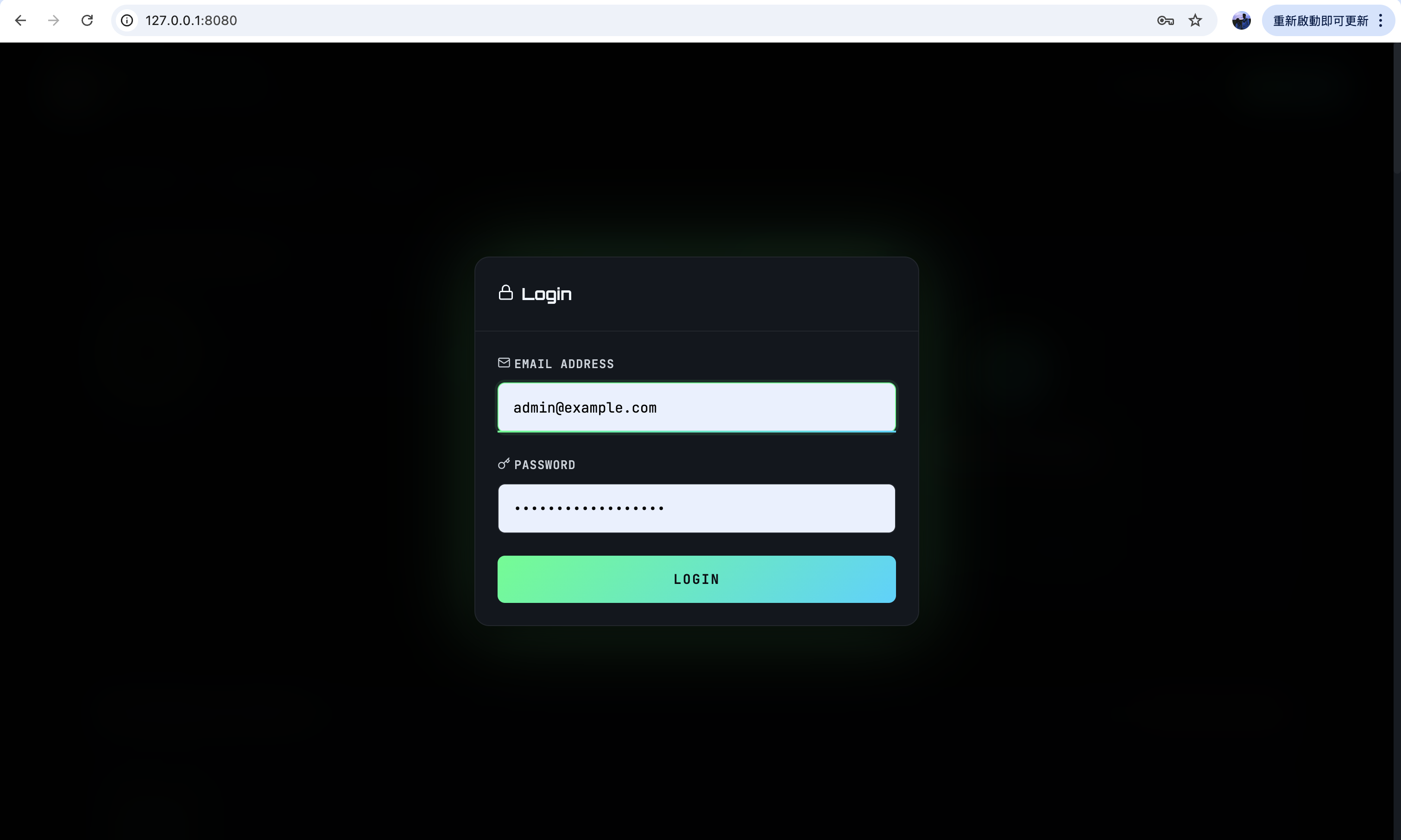
Please log in with the default credentials. The username is admin@example.com and the password is your-password-here. After logging in, you will see the following interface:
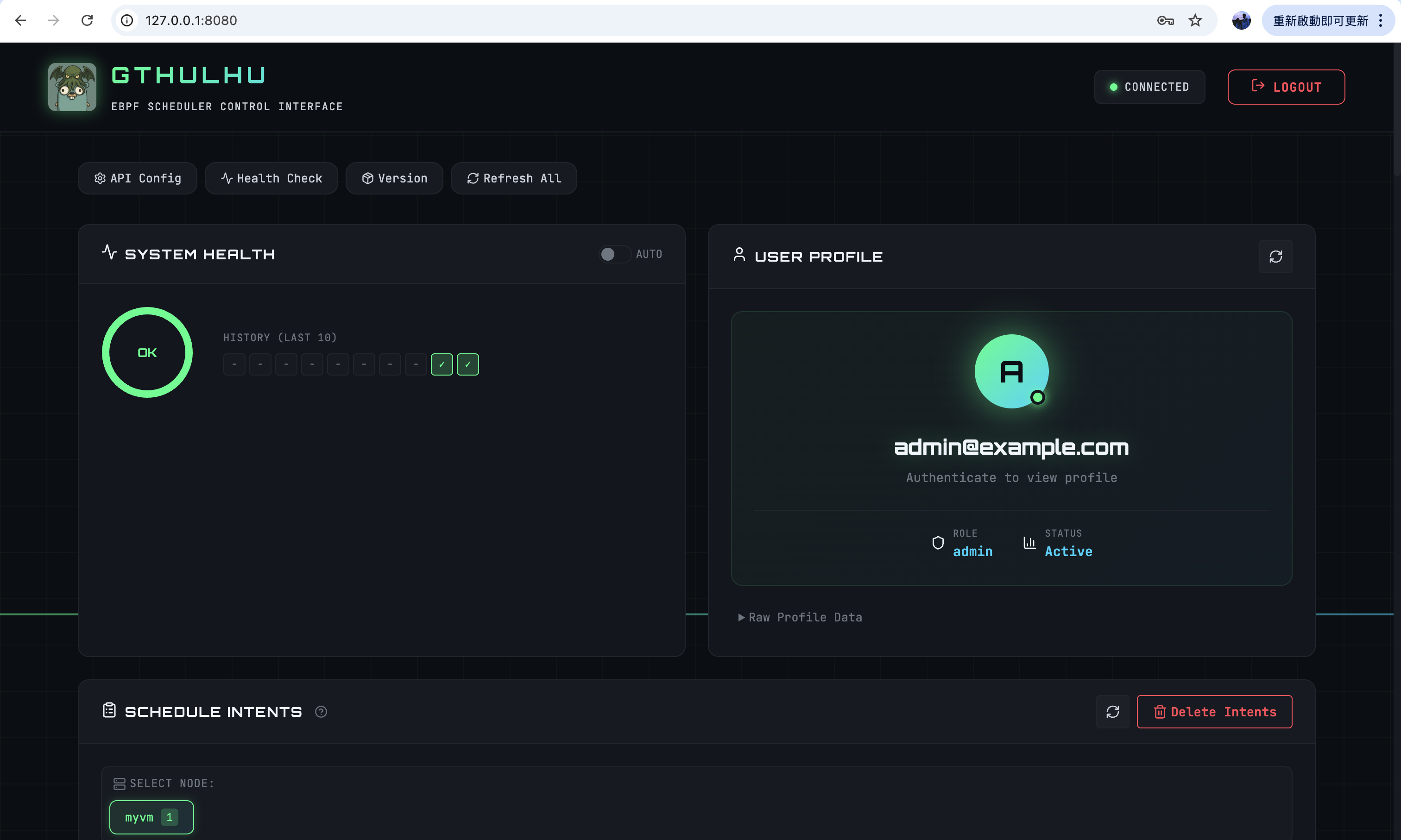
Next, you can add or delete scheduling policies, and view the current list of scheduling policies here. After adding or deleting scheduling policies, the Gthulhu Scheduler will automatically update its configuration and make scheduling decisions based on the new scheduling policies:
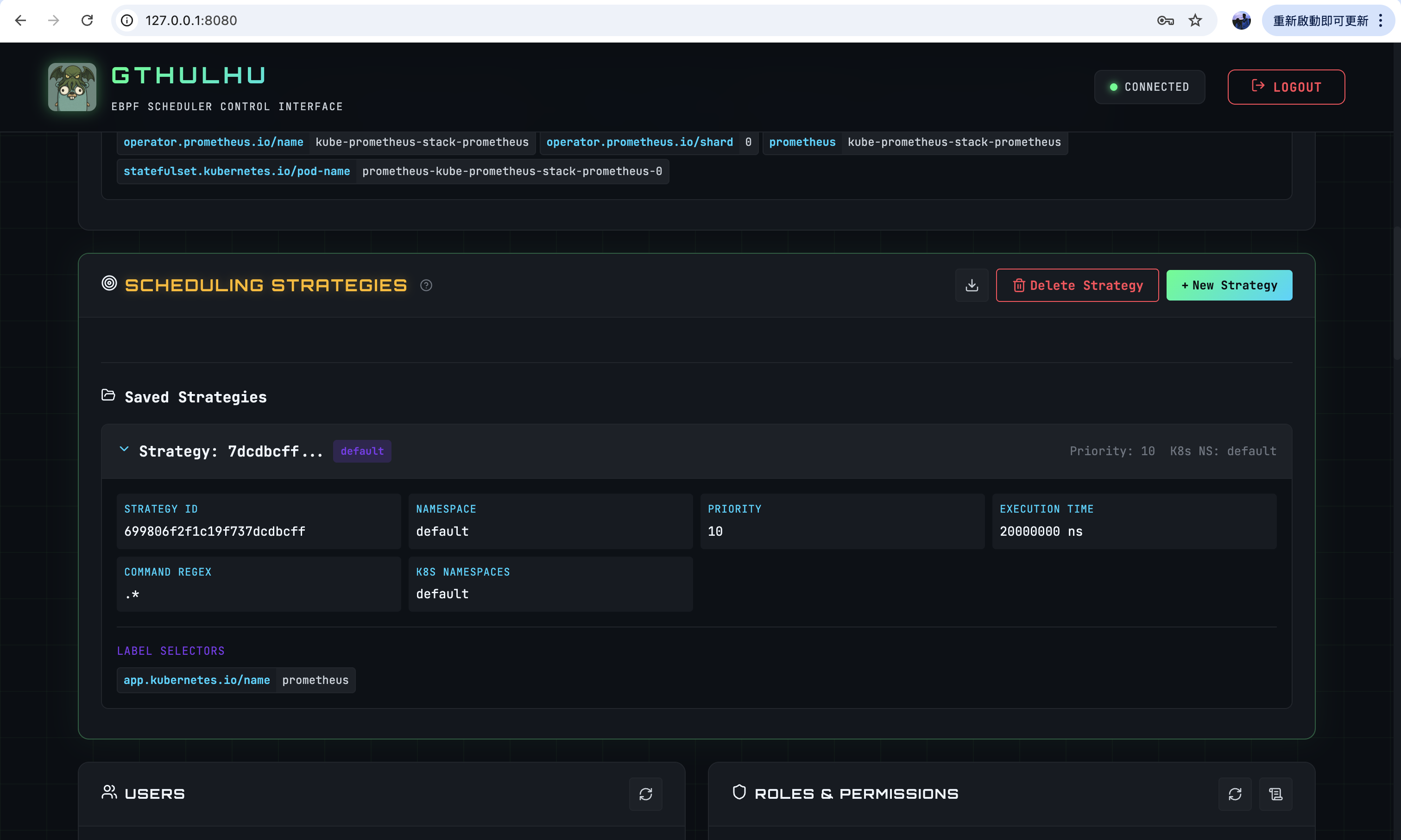
- Strategy ID: A unique identifier automatically generated by the system.
- Namespace: Specifies the Namespace for the scheduling policy.
- Priority: Sets the priority of the scheduling policy, ranging from 0 to 20.
0is non-boosting: the task is not promoted. In kernel mode aPriority == 0strategy is dropped and has no scheduling effect; in user-space mode it can still carry a custom time slice without jumping the run queue.1to9is high priority and can preempt lower-priority tasks.10to19is normal priority, without preemption.- Among the boosting values a lower number means higher priority and a shorter deadline.
- Execution Time: Specifies the execution time for the scheduling policy. Note that this field defines the maximum allowed execution time in a single scheduling cycle.
- Command Regex: A regular expression used to match commands. For example,
.*matches all processes on Pods found by the label selector. - K8s Namespaces: Specifies the Kubernetes Namespace(s) to which the scheduling policy applies.
If the scheduling policy takes effect correctly, you will see scheduling intents being generated.
Scheduling intents are generated based on scheduling policies. Once a scheduling policy takes effect, the Gthulhu API Server (Manager Mode) will generate corresponding scheduling intents based on that policy. These intents are then sent to the Gthulhu Scheduler on the node where the Pod resides, allowing the Scheduler to adjust the Pod's resource allocation based on the intents to achieve optimized scheduling.